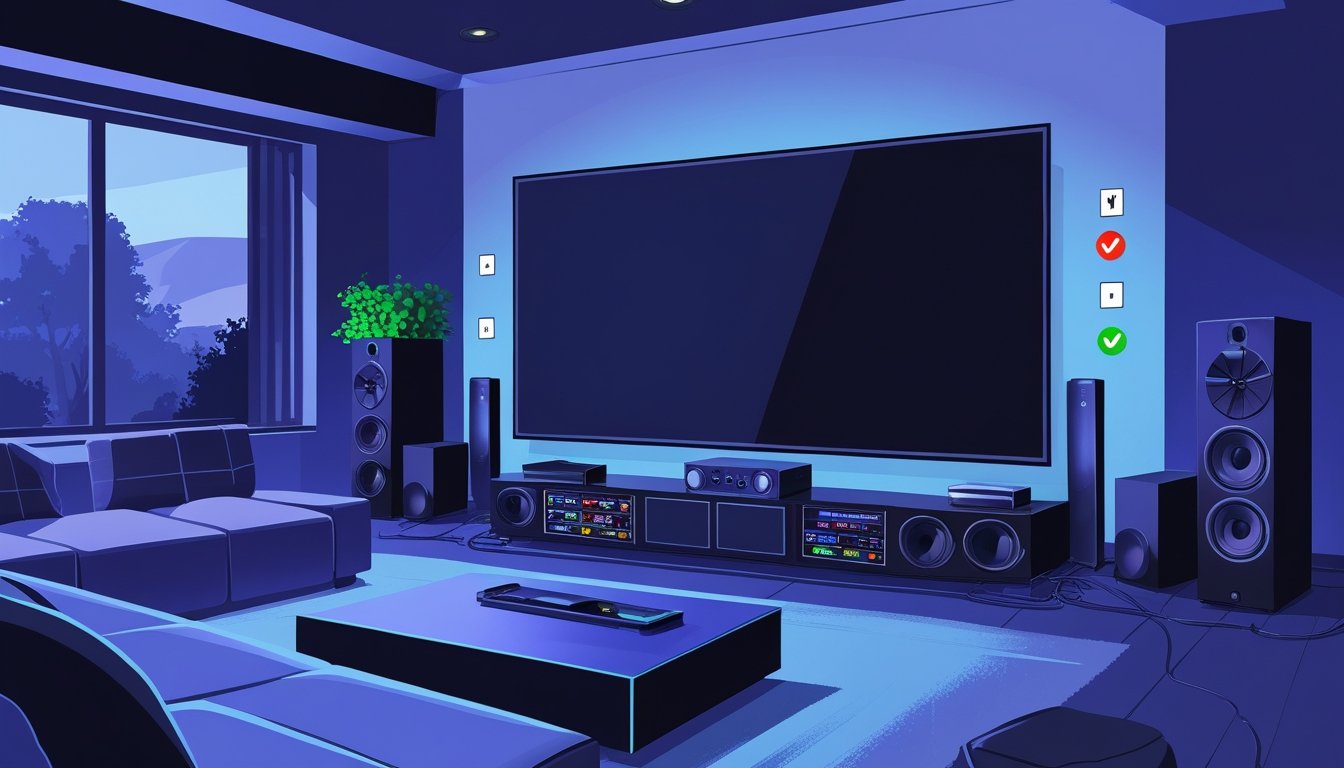
If you love having a home theater, you want your power use to be safe and reliable. With TVs, sound systems, and gaming consoles all plugged in, power surges or overloads can sneak up if you’re not careful. The key to safe power in your home theater? Spread out your appliances, use surge protection, and keep your electrical system current.
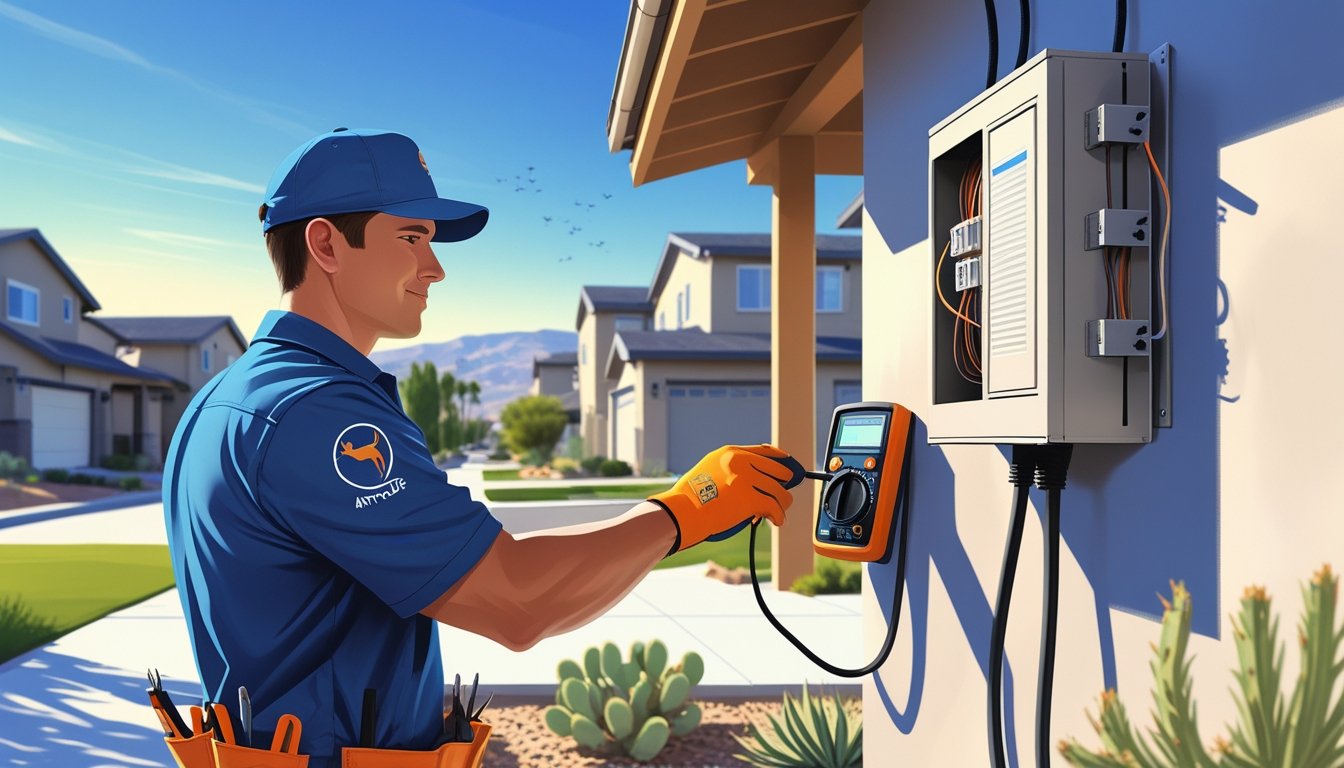
Understanding your home’s electrical setup helps you dodge hazards like flickering lights, tripped breakers, or even fried equipment. In Sacramento and nearby areas, AAA Electrical Services focuses on safety-first electrical work. Their licensed pros know how to keep your home theater humming along without the risk.
With over 40 years serving locals, the team offers same-day service and honest, flat-rate pricing. Their vans are stocked for quick fixes, so you can relax and hit play without worrying about your family or your gear.
Understanding Home Theater Power Requirements
To keep your home theater running safely, you need to know how much power your equipment uses. Figure out the total wattage, check the labels on your devices, and see how much juice each component draws. This helps avoid overloaded circuits and keeps everything running smoothly.
Identifying Wattage Needs
First, make a list of every device in your setup—TV or projector, sound system, gaming consoles, streaming boxes, whatever you’ve got. Each device lists a power rating, usually in watts (W).
Add up all those numbers. Say your TV uses 150W, sound system 200W, and console 120W; that’s 470W total. Add a 20% buffer to be safe, so you’re not skating close to the edge when everything’s on.
Knowing your total wattage helps you choose the right circuit breaker and power sources. Not sure about the math? Someone from AAA Electrical Services can help you figure it out.
Decoding Power Ratings
Power ratings show how much electricity a device uses when it’s running. Look for labels—usually on the back or bottom. You’ll see “Voltage (V),” “Current (A),” and “Wattage (W).”
Voltage is the push (usually 120V or 240V at home). Current is measured in amps (A). Multiply volts by amps to get watts (W = V x A). That’s your power use.
Some devices list “input power” or “maximum power.” Go with the higher number to stay on the safe side. These ratings help you avoid plugging too many high-power devices into one outlet or strip—a recipe for trouble.
Assessing Component Power Consumption
Different home theater parts draw power in their own ways. Crank up the volume and your amps or speakers will sip more energy. Projectors and big TVs usually use more power, especially if they’ve got backlights or cooling fans.
Check user manuals for “typical power use” to get a sense of what’s normal. Even in standby, some devices still pull a little power.
A power meter can help if you want to know exactly what’s happening. Plug it in between your outlet and device to see real-time numbers. Handy for planning your setup.
AAA Electrical Services offers electrical inspections and advice for Sacramento and nearby areas. Their team gets that safety and peace of mind matter most.
Safe Power Setup and Installation
Setting up your home theater’s power system right keeps your gear safe and running. You’ll want to control surges, arrange outlets smartly, and use circuits that can handle the load.
Using Surge Protectors and Power Conditioners
Surge protectors shield your gear from sudden voltage spikes—think storms or when the power snaps back after an outage. A good surge protector blocks that extra zap from reaching your devices.
Power conditioners take things a step further. They clean up the incoming power, reducing noise and helping your sound and picture stay crisp. Make sure your surge protector and conditioner are rated for the combined wattage of all your gear.
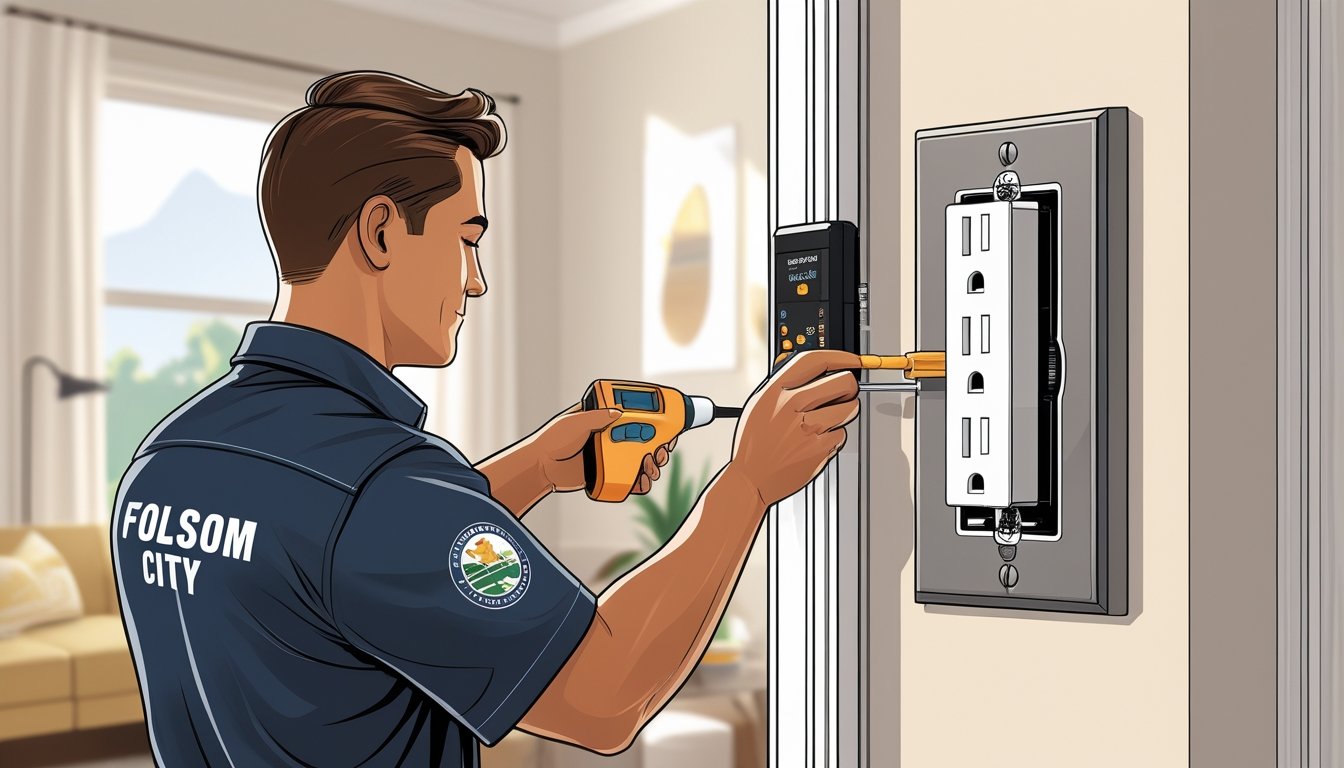
A licensed electrician can check if your setup is ready for these devices. In Sacramento or Roseville, AAA Electrical Services handles safe, code-compliant installs. They’ll keep your equipment protected.
Proper Outlet Placement
Outlet placement matters. Keep outlets close to your equipment to avoid long extension cords—they can overheat or trip someone.
Plan for more outlets than you think you’ll need. Speakers, consoles, receivers, streaming sticks—it adds up. Group outlets so cords don’t cross and tangle. Don’t hide outlets behind heavy furniture where they’re hard to reach or easy to damage.
Consider wall plates with multiple outlets or special outlets for high-power gear. A professional can help you pick the best spots based on your room and setup.
Dedicated Circuits for Home Theaters
Your home theater deserves its own circuit. Sharing with other rooms can overload a breaker and kill your movie night.
A dedicated circuit also gives you cleaner power, which helps with sound and video quality. Your electrician will size the breaker based on your total wattage.
For safe installs and clear labeling, go with licensed electricians like AAA Electrical Services. They offer flat-rate pricing and same-day service in Sacramento, so you’re not left waiting.
Preventing Electrical Overloads
Managing your home theater’s power means using extension cords right, spreading out devices, and catching warning signs before things go sideways.
Safe Extension Cord Usage
Extension cords are handy, but only if you use them right. Always pick cords that can handle your devices’ power needs. Skip any cord that’s frayed or damaged—they’re a fire risk.
Don’t chain extension cords or stack power strips. That’s just asking for overheating and overloads. Use one heavy-duty cord rated for your gear.
If you need more outlets, have AAA Electrical Services install them. It’s safer and keeps your setup tidy.
Combining Devices Safely
Don’t plug all your devices into one outlet or circuit. Projectors, amps, and consoles can draw a lot of power. Spread them across outlets and circuits if you can.
Power strips with built-in breakers add extra protection. They’ll shut things down if the load gets too high. Unplug devices you’re not using to reduce risk.
Keep track of each device’s power rating. If your breaker trips a lot, that’s your cue to move things around or upgrade your panel.
Recognizing Warning Signs of Overload
Watch for signs you’re pushing your system too hard. If breakers trip, outlets feel warm, or you see discoloration, something’s off.
Buzzing or crackling from outlets or plugs isn’t normal. Sparks when plugging in devices are a red flag. Stop using that outlet and call a pro.
AAA Electrical Services does regular inspections to catch issues early. Their licensed techs handle quick checks and repairs—usually same day.
Routine Inspection and Maintenance
Keeping your home theater’s electrical setup safe means regular checks and a little maintenance. Small problems like worn cords or dusty vents can turn into bigger headaches if ignored.
Checking for Damaged Cords
Look over your power cords and cables now and then. If you see cracks, frayed spots, or exposed copper, swap out the cord right away. Damaged cords are a shock or fire risk.
Don’t run cords under rugs or heavy furniture—they’ll wear out faster. Make sure plugs fit snugly. Surge protectors help with spikes, but you still need to check your cords.
Cleaning Vents and Outlets
Dust blocks vents and outlets, causing overheating or bad connections. Use a soft brush or compressed air to clean vents.
For outlets, clear away dust and make sure plugs fit tight. Loose outlets can spark or short. Give your equipment some breathing room to keep heat from building up.
Scheduling Professional Electrical Inspections
Have a licensed electrician check your home theater wiring every few years. They’ll spot hidden problems like overloaded circuits or bad breakers.
AAA Electrical Services offers same-day inspections in Sacramento and nearby areas. Their background-checked techs give honest, safety-focused service with flat-rate pricing. Scheduling a professional check gives you peace of mind and can save you from bigger bills later.
Smart Practices for Everyday Safety
Staying safe in your home theater is mostly about smart daily habits. Manage power wisely, protect your gear, and know what to do if something goes wrong.
Unplugging Devices When Not in Use
Unplug TVs, consoles, and speakers when you’re not using them. This helps prevent surges and lowers fire risks from bad wiring or overheated plugs. Even off, some devices still draw power.
Use a power strip with surge protection for your theater. It’ll shield your gear from voltage spikes during storms or outages. Make sure it’s rated for your total wattage.
Check cords for frays or damage often. Replace worn cables right away. Don’t daisy-chain power strips—it’s a fire risk.
Child and Pet Safety Measures
Keep cords, plugs, and power strips out of reach of kids and pets. Curious hands (or paws) might chew or tug, risking shocks or burns.
Use outlet covers for unused sockets. Run cords along walls or behind furniture to keep them tidy and safe.
Store remotes, batteries, and small accessories where little ones can’t grab them. Keep an eye on kids around your home theater, especially with lots of cords and devices set up.
Responding to Electrical Emergencies
If you smell burning or spot sparks near your home theater, unplug everything if you can do it safely. Don’t touch anything with wet hands.
Keep a fire extinguisher rated for electrical fires nearby. Make sure everyone at home knows how to use it and when to call for help.
If your breaker trips a lot or lights flicker, get a licensed electrician in. AAA Electrical Services does quick, same-day checks and repairs so you’re not left in the dark.
Stay calm and act fast—it can make all the difference.
Frequently Asked Questions
Managing your home theater’s power keeps things running smoothly and safely. Energy management, surge protection, and avoiding overloads all matter. Regular checks and using the right gear keep your system reliable for the long haul.
What are the best practices for energy efficiency in a home theater setup?
Use energy-saving bulbs and low-power devices. Turn off equipment instead of leaving it on standby. Spread devices across outlets to avoid overloading.
How can you protect your home theater equipment during power surges?
Install a whole-house surge protector or use quality surge protectors for your theater gear. This blocks damage from sudden voltage spikes. AAA Electrical Services can install these to keep your system and family safe.
What steps can you take to make sure your home theater doesn't overload your electrical circuit?
Don’t plug too many high-wattage devices into one outlet. Use dedicated circuits for heavy gear. If breakers trip or lights flicker, have an electrician check your circuits.
Are there any smart devices that help manage power consumption for home theaters?
Absolutely—smart power strips and energy monitors track and control usage. They can turn off unused gear automatically and flag energy waste. Handy for convenience and safety.
How often should you inspect your home theater's electrical wiring for safety?
Honestly, checking your wiring every year or two makes sense—maybe even sooner if you notice lights flickering or the power cutting out. Staying on top of inspections lets you spot loose connections or worn-out wires before they turn into headaches.
Can using a power conditioner improve the safety and performance of my home theater?
Yeah, it can help. A power conditioner keeps voltage steady and filters out electrical noise, which means your gear’s less likely to get damaged and you might notice cleaner audio or a sharper picture. If you’re pretty serious about your home theater, it’s worth considering.