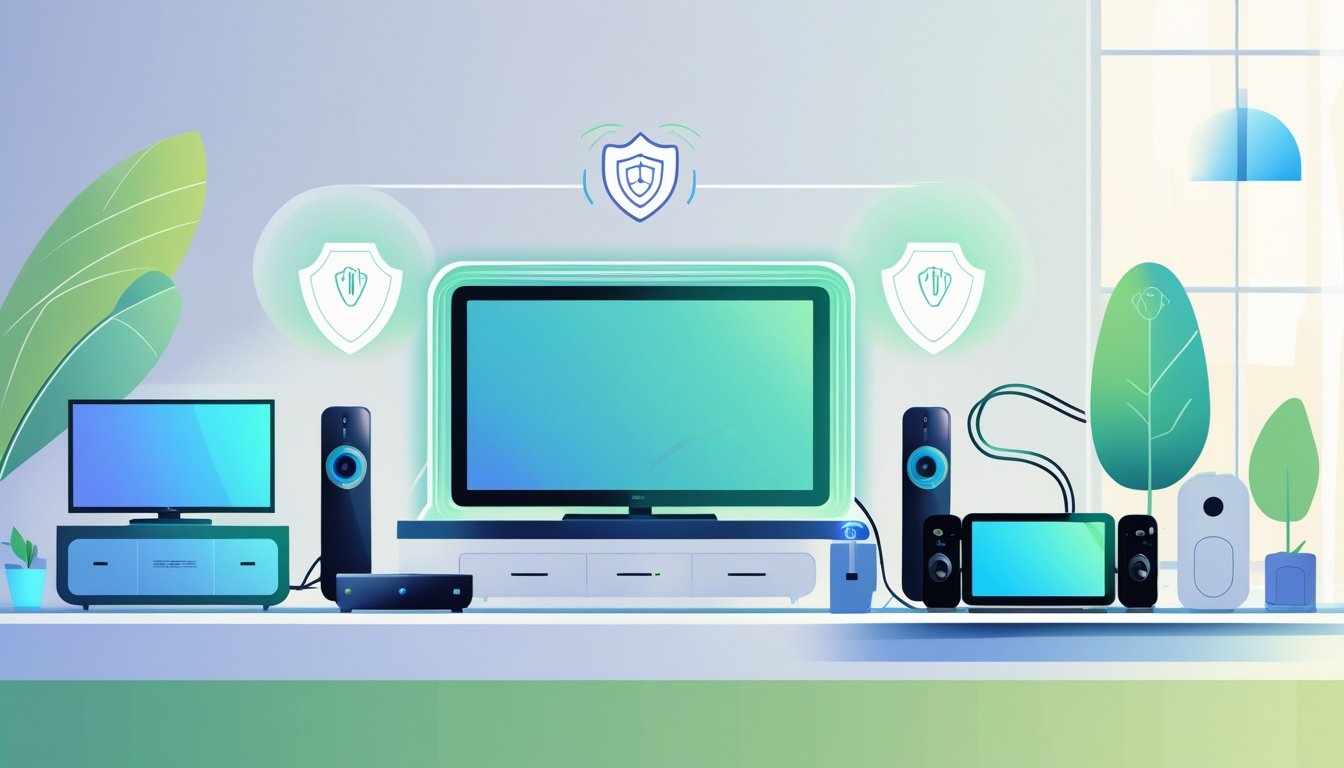
Protecting sensitive electronics at home really starts with stopping power surges before they fry your gear. A whole-home surge protector paired with point-of-use devices gives you the best shot at blocking sudden voltage spikes from storms, outages, or big appliances kicking on. This layered approach keeps devices like computers, TVs, and appliances safer and working longer.
If you want electrical safety done right, go with experts who get what your family needs. AAA Electrical Services brings tailored solutions, fully licensed and background-checked techs, and honest, flat-rate pricing. Their vans are stocked, and they offer same-day service in Sacramento and nearby—so you get quick, reliable help that puts your home’s safety first.
Understanding Sensitive Electronics
You’ve got to know which electronics are most at risk, what dangers lurk in your home’s wiring, and how interference messes with performance. If you’re aware of these, you’re already ahead—making smarter choices to keep your stuff safe and running well.
Types of Vulnerable Devices
Sensitive electronics? Think anything that doesn’t like power hiccups or interference. The usual suspects:
- Televisions and gaming consoles
- Computers and laptops
- Refrigerators and HVAC systems
- Home entertainment systems
These gadgets have delicate circuits inside. Sudden power surges or voltage spikes can mess them up, sometimes for good.
Appliances packed with microchips or digital parts fall into this category too. Surge protection and solid wiring really matter here. If you’re relying on these devices, investing in good protection isn’t optional—it’s just smart.
Common Risks in Modern Homes
Power surges top the list of threats. They show up during storms, when appliances cycle on or off, or if there’s a problem in your wiring. Even small spikes, over time, can quietly wreck electronics.
Overloaded circuits and bad wiring also spell trouble. These cause weird power flow, which stresses out your devices. If your home’s big and has lots of circuits, whole-home surge protectors might be the way to go.
AAA Electrical Services zeroes in on solutions that protect your family and your electronics—using the right repairs and surge protection for your setup.
Interference and Electronic Sensitivity
Electromagnetic interference (EMI) and radio frequency interference (RFI) are sneaky problems for sensitive electronics. They can come from inside your house—microwaves, cordless phones—or outside, like radio towers.
Interference causes flickering screens, dropped signals, or sluggish performance. It might not break your gear, but it can definitely shorten its life. Shielded cables, good grounding, and keeping devices away from interference sources all help.
Knowing these risks means you can protect your electronics and keep them humming along.
Essential Protective Measures
To keep your sensitive electronics safe, you need the right tools for power issues and electrical faults. Stable, grounded power stops damage from surges and electrical noise. Backup power helps too, especially during outages.
Surge Protection Strategies
Surge protectors are your first line of defense. They soak up extra voltage from lightning or power spikes. Aim for protectors with a high joule rating—they can take more hits and last longer.
Plug all sensitive stuff—computers, TVs, home office gear—into surge protectors. Basic power strips aren’t enough. For real peace of mind, whole-home surge protection at the panel blocks surges before they reach your outlets.
AAA Electrical Services can recommend and install surge protection that actually fits your home’s needs.
Grounding Techniques for Home Devices
Good grounding sends stray electricity safely into the earth. Your home should have grounded outlets and breakers.
Always use outlets with a grounding slot—three-prong plugs matter. If you run into grounding issues, a pro can check your wiring and add rods or improve connections.
Grounding adapters work in a pinch, but don’t rely on them forever. For lasting safety, a licensed electrician from AAA Electrical Services can update your grounding system.
Choosing Uninterruptible Power Supplies
An Uninterruptible Power Supply (UPS) keeps your devices alive during outages. It’s basically a battery backup that kicks in instantly if the power goes out—saving data and preventing abrupt shutdowns.
Pick your UPS based on what you want to protect and how long you need backup. Small ones are fine for routers, but bigger units can keep computers or gaming setups running for several minutes.
Look for a UPS with automatic voltage regulation (AVR). It smooths out minor power blips without draining the battery, so your gear stays safer, longer. If you work from home or rely on sensitive equipment, a UPS is a no-brainer.
Environmental Controls for Safe Operation
If you want your electronics to last, pay attention to their environment. Managing temperature, humidity, dust, and other gunk keeps your devices happier and extends their life.
Temperature and Humidity Regulation
Keep electronics somewhere between 60°F and 75°F. Too much heat? Components can overheat. Too cold? You risk condensation and damage. Air conditioning or fans help keep things steady.
Humidity should land between 30% and 50%. High humidity means moisture, which can short stuff out or corrode metal parts. Use a dehumidifier in damp spaces, or a humidifier if the air’s too dry. Don’t park electronics near heaters, windows, or vents—those spots swing in temperature way too much.
Dust and Contaminant Prevention
Dust is the silent killer. It clogs vents and traps heat, hurting sensitive parts inside your electronics. Wipe devices down with a soft, dry cloth or blast them with compressed air. Skip the water and harsh cleaners.
Keep electronics out of kitchens and garages—grease, smoke, and chemicals can settle on them. If you’re in a dusty spot, sealed cases or enclosures help. Regular electrical inspections from AAA Electrical Services can catch dust or corrosion issues before they get ugly.
Smart Home Integration Considerations
When you add smart home gadgets, think about where you put them and how secure your network is. Good setup stops power problems; strong network security keeps hackers out. Both matter for keeping your electronics safe and your home running smoothly.
Safe Setup of IoT Devices
Smart cameras, thermostats, and speakers need surge protection too. Use both whole-house and point-of-use surge protectors for a layered defense.
Keep smart devices away from water and direct sunlight. Don’t overload outlets—fire risk is real.
AAA Electrical Services can install protection systems built for your home. Their licensed pros handle quick, safe setups with flat-rate pricing and same-day service, so your smart gadgets are protected from electrical headaches.
Network Security for Connected Electronics
Smart devices ride on your Wi-Fi, so network security is huge. Change default passwords, update software, and close any weak spots hackers might exploit.
If you can, put smart gadgets on a separate network. That way, if one gets hit, your main devices are safer. Turning off unused devices also cuts down on attack risks.
A secure network plus surge protection means your smart home’s safer and your electronics last longer. When you’re setting up or upgrading, calling in AAA Electrical Services for safe wiring and security recommendations is worth it—especially around Sacramento, Roseville, and nearby.
Routine Maintenance and Monitoring
Keeping sensitive electronics safe isn’t a one-and-done deal. Regular checks on your electrical system and catching problems early really boost your gear’s lifespan and your home’s security.
Periodic Inspection of Equipment
Get your home's electrical system checked every few months, or at least yearly. Inspect circuit breakers, surge protectors, and wiring for wear. AAA Electrical Services offers quick, same-day inspections in Sacramento and nearby, so it’s not a hassle.
During inspections, look for loose connections, burn marks, or weird smells by outlets and panels. Catching small stuff early keeps your electronics safe and avoids safety hazards. Healthy panels and surge protectors stand a better chance against sudden voltage spikes.
How to Detect Early Signs of Damage
Watch for flickering lights, breakers that trip a lot, or buzzing near panels. These are early warning signs of faulty breakers or wiring issues that could hurt your sensitive gear.
If electronics shut off or reset out of nowhere, maybe your surge protector or circuit isn’t up to snuff. Check outlets and cords for heat or discoloration—it’s a simple way to spot trouble.
Notice anything weird? Schedule a service visit fast. AAA Electrical Services usually has the parts on hand, so repairs often happen the same day—keeping your devices protected with minimal downtime.
Frequently Asked Questions
You need the right surge protection and some basic precautions to keep sensitive electronics safe. Knowing how to handle surges, generators, and which protectors to use really helps.
What steps can I take to safeguard my electronic devices from power surges?
Plug important electronics—especially sensitive ones—into surge protectors. Don’t overload outlets.
Consider a whole house surge protector for broader coverage.
Regularly check cords for damage and swap out any bad ones. For safe installation, AAA Electrical Services offers same-day help from licensed pros.
Are whole house surge protectors effective for all electronics?
Whole house surge protectors shield your electrical panel and major appliances from big spikes.
But you’ll still want point-of-use surge protectors for sensitive stuff like computers or TVs.
How can I protect my electronics from voltage spikes when using a generator?
Use a generator with built-in surge protection, or connect it to an external surge protector.
Make sure the generator’s grounded properly to keep voltage spikes from reaching your electronics.
What type of surge protector is best for high-end electronic equipment?
Go for surge protectors with a high Joule rating—they handle more energy.
Pick models with fast response times and plenty of outlets. Noise filtering is a plus for sensitive gear like gaming consoles or computers.
Can surge protectors prevent damage from lightning strikes to home electronics?
Surge protectors lower the risk but can’t totally shield electronics from a direct lightning hit.
Whole house protectors help with nearby strikes, but nothing’s a sure thing against lightning.
What should I consider when choosing a surge protector for sensitive electronic devices?
Start by checking the Joule rating and how quickly it responds—those really matter.
You'll want to be sure it matches your device's power requirements and actually has enough outlets for what you need.
Certifications? Definitely worth a look, and a solid warranty never hurts. If you’re not sure where to start, AAA Electrical Services can help you pick out and set up surge protection that actually fits your home and keeps your family’s electronics safer.