Your modern entertainment setup deserves more than just a tangle of cords and a power strip shoved behind the TV. A safe home theater setup really starts with solid electrical planning—think capacity, smart power distribution, and wiring built for today’s TVs, speakers, streaming boxes, and gaming consoles. You don’t want to stress out your home’s wiring just for a movie night.
If you’re after reliable performance and safety, plan the electrical side first, then design the room around that. It’s a move that’ll help you dodge overloaded circuits, protect your gear, and keep things tidy—not to mention, make it easier to add or swap out tech down the road with future-proofing in mind.
For folks in Sacramento, Roseville, Elk Grove, Citrus Heights, Folsom, and nearby areas, the goal’s pretty straightforward: build a system that works now and keeps working for years. With a few upgrades, you’ll get better picture and sound, cut fire risk, and make future changes way less of a headache.
Key Takeaways
- Check your home’s electrical capacity before piling on equipment.
- Protect your electronics from surges and power spikes.
- Use wiring that’s safe and ready for future upgrades.
Check Your Home’s Electrical Capacity First
Start by figuring out how much juice your house can actually handle. Modern entertainment gear might not pull as much power as your AC or oven, but a full setup can still push older wiring too far—especially if it’s sharing with big appliances.
Estimate Power Requirements And Total Wattage
Make a list: TV, receiver, subwoofer, soundbar, streaming boxes, game consoles, network gear—anything you’ll plug in. Look at the power labels or manuals, jot down each wattage, and add it all up. That’s your total load.
Know When Dedicated Circuits Are Needed
If your entertainment space has lots of gear or sits near other high-draw appliances, dedicated circuits make a difference. Your home theater runs smoother when it’s not fighting with the fridge or laundry on the same line.
Spot Warning Signs Of An Overloaded System
If your breakers trip, lights dim, outlets feel warm, or you spot scorch marks, your electrical system might be overworked. Don’t add more equipment until you get the wiring checked out.
Understand The Role Of The Breaker Panel Or Fuse Box
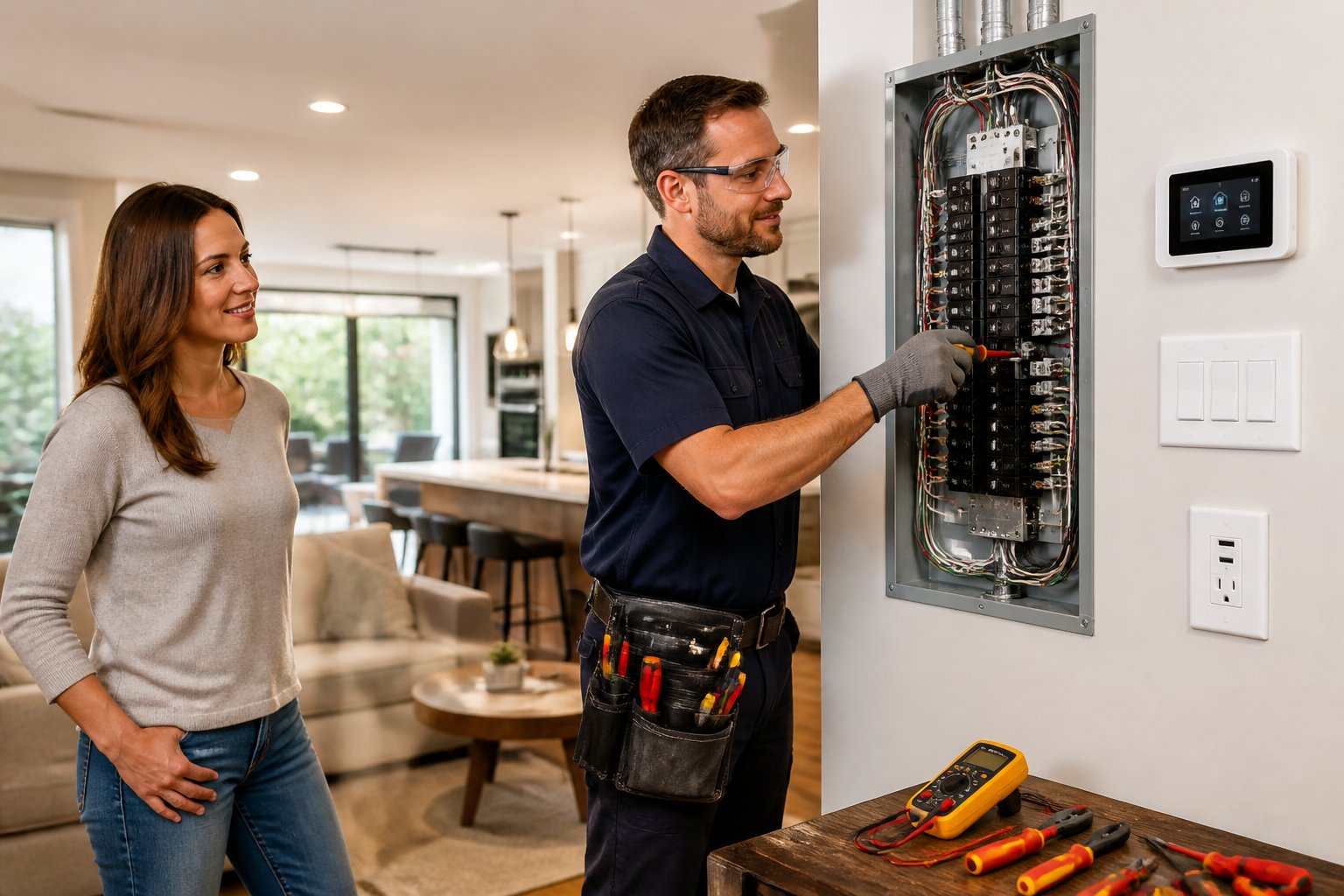
Your breaker panel or fuse box is basically the command center for electrical safety. It needs to handle your home’s demand and leave room for extra circuits, especially if you’re planning upgrades. In older homes, the panel might already be maxed out.
Plan Safe Power Distribution For Entertainment Equipment
Good power distribution keeps your TV, sound system, streaming boxes, and consoles running safely and reliably. It also leaves wiggle room for future upgrades, boosts energy efficiency, and helps shield your gear from power spikes.
Place Outlets Where The System Actually Needs Them
Put outlets where your equipment will live—not wherever the builder slapped them in. Avoid long extension cords. When outlets are close to your devices, the setup looks cleaner and is way easier to service later.
Use Surge Protection At The Panel And Device Level
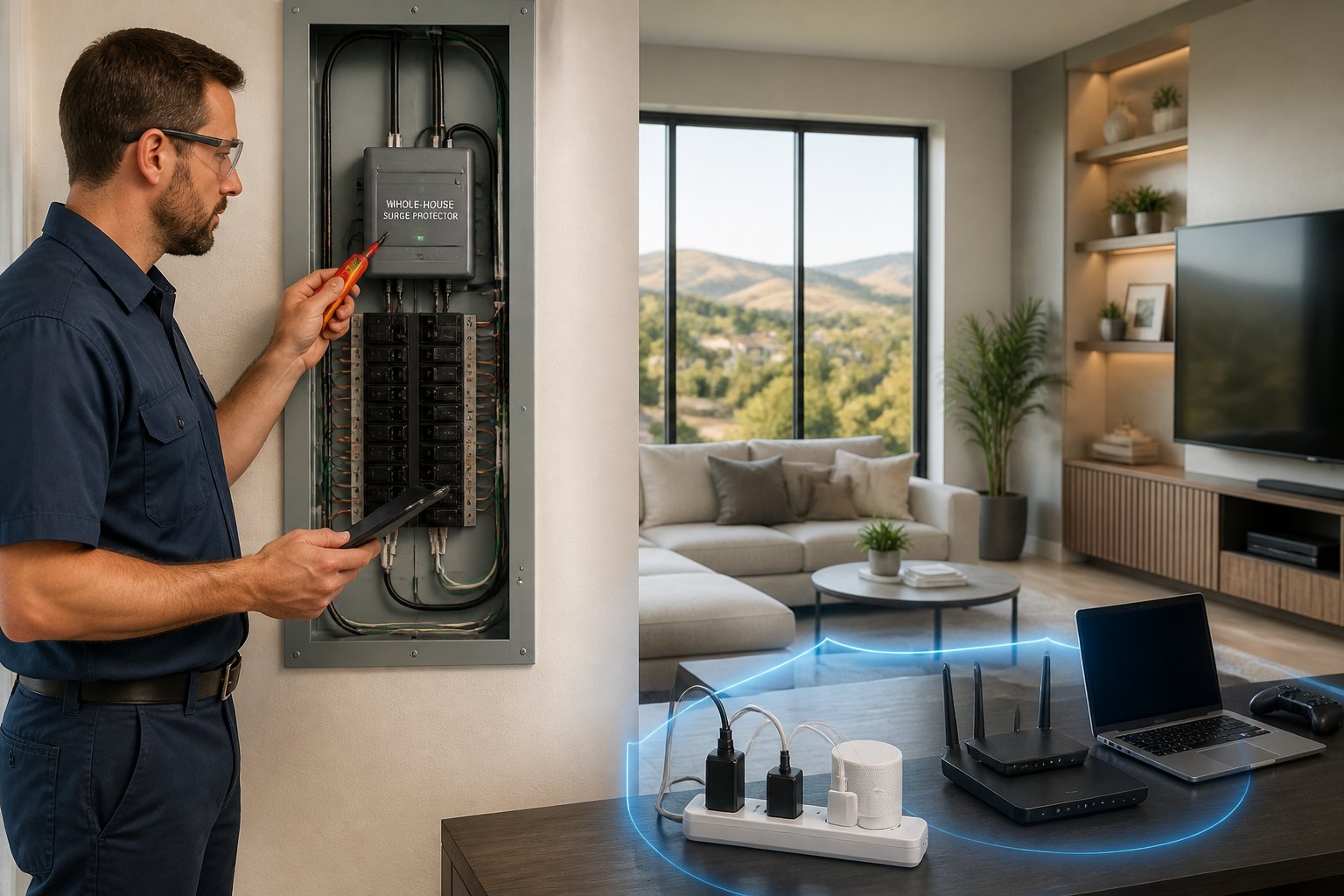
A solid surge protector at the device level is a must, and a whole-home surge protector at the panel adds another line of defense. Using surge protectors in both spots helps reduce damage from lightning, utility hiccups, or random surges.
Consider A UPS Or Power Conditioner For Sensitive Gear
A UPS can keep your receiver, modem, or streaming device running for a bit during short outages—super handy to avoid interruptions and protect your settings. Power conditioners can help smooth out electrical noise, especially in gadget-heavy rooms.
Build In Capacity For Future Upgrades
Leave some headroom for upgrades: bigger screens, more speakers, maybe a network rack. Planning for extra capacity now gives you flexibility and keeps you from tearing everything apart later.
Choose The Right Cables And Wiring Paths
Cables matter—a lot. The right ones boost performance and safety, especially when you’re juggling signal quality, bandwidth, and in-wall wiring. A tidy install keeps low-voltage lines organized, shields them from interference, and avoids putting extra stress on your system.
When HDMI Is The Best Option
For most modern gear, HDMI is the go-to. It carries sharp video and audio in one cable. Use high-speed HDMI for 4K and newer equipment—bandwidth matters for crisp picture and sound that doesn’t cut out.
Older Connections You May Still Need To Support
Some setups still use audio cables, speaker wire, coax, optical audio, DVI, or component video—especially if you’re keeping older receivers or consoles in the mix. Sometimes you just can’t ditch the classics.
Use In-Wall Wiring And Conduit The Right Way
Always use in-wall rated materials and protect them with conduit where needed. Done right, this keeps signals clean, the install tidy, and your home theater wiring durable for the long haul.
Protect Signal Quality By Separating Low Voltage From Power
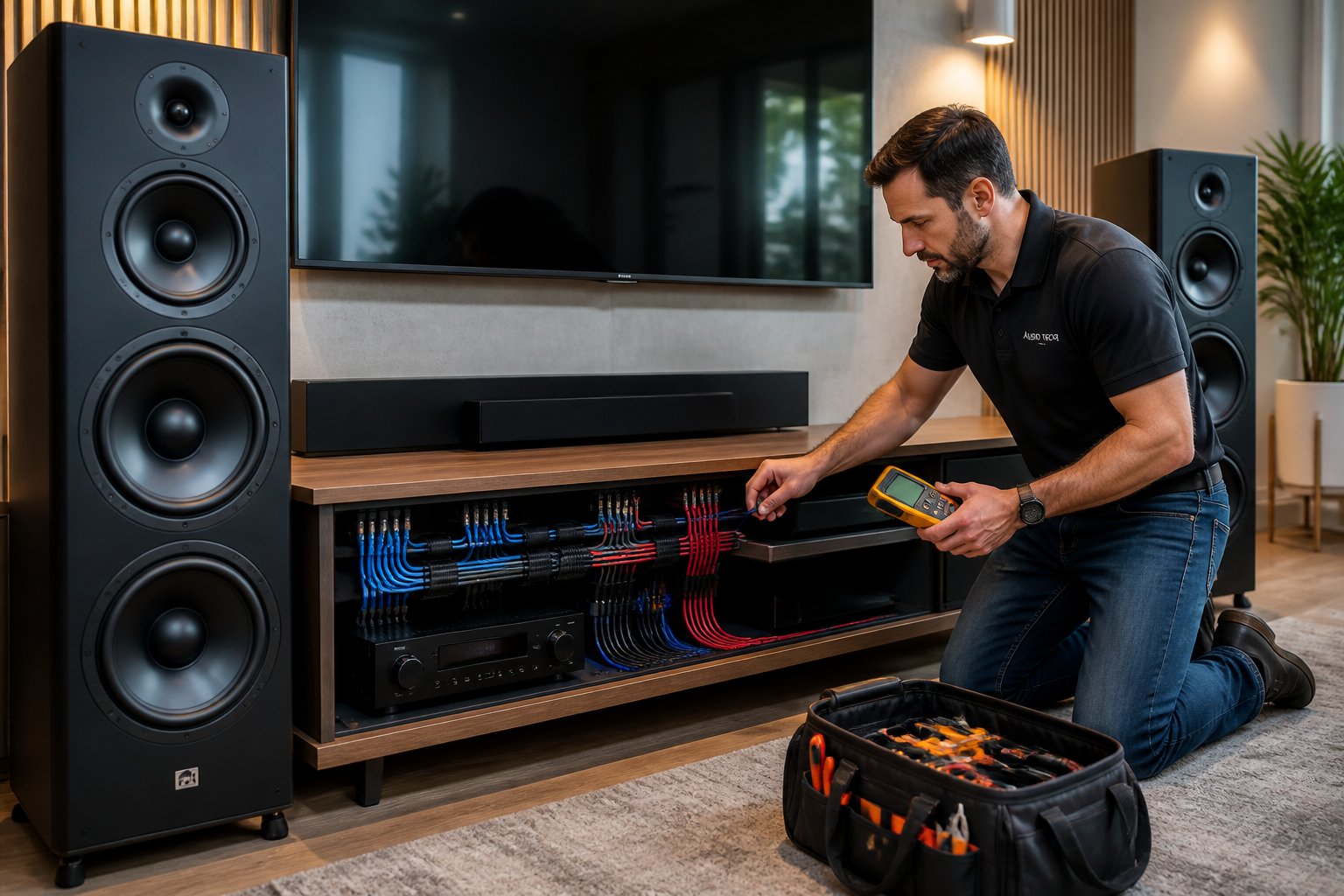
Keep HDMI, speaker wire, and other low-voltage lines away from power runs whenever you can. That separation helps cut down on EMI (electromagnetic interference), which can mess with signal quality and cause headaches you really don’t need.
Lay Out A Clean, Reliable Entertainment Space
A well-thought-out entertainment room is just easier—easier to use, maintain, and keep safe. Good layout choices help with smart home integration and make future expansions less of a pain.
Create A Central Hub For AV And Network Connections
A central hub gives you one spot for the receiver, modem, router, streaming gear, and other AV stuff. It makes troubleshooting less of a chore and keeps your space from turning into a mess of scattered devices.
Improve Cable Management For Safety And Serviceability
Cable management isn’t just about looks. It helps prevent strain, confusion, and accidental unplugging. Label your cables and keep access points within reach—it’ll save time during repairs and make pro installs cleaner.
Support Wi-Fi, Ethernet, And Access Points
Strong network performance is key for streaming and gaming. If the room’s a dead zone, plan for Ethernet runs or access points so your smart home gear works without constant dropouts.
Coordinate Lighting Design With Screen Performance
Lighting can make or break your viewing experience. Smart lighting and dimmers cut glare, make movie nights better, and keep the room flexible for everyday use.
Meet Code And Safety Requirements During Upgrades
Stick to electrical safety best practices and local codes. Grounding, AFCI, and GFCI protection all play a role in keeping your home theater—and your family—safe.
Why Grounding Matters For Electronics And People
Proper grounding lowers shock risk and keeps electronics running smoothly. It gives stray current a safe path—pretty important in rooms packed with connected devices.
Where AFCI And GFCI Protection May Apply
AFCI protection is often required in living spaces to cut fire risk from arc faults. GFCI is a must where moisture could be an issue. Depending on your room and circuit layout, you might need one or both.
Follow National Electrical Code Expectations
The national electrical code lays out the basics for safe residential wiring. Following it keeps your upgrade compliant, reliable, and safe for all your fancy entertainment gear.
Know When To Call A Licensed Electrician
Need new circuits, panel changes, in-wall wiring, or anything involving the breaker panel? Call a licensed electrician. AAA Electrical Services does same-day service in many cases, sending out clean, respectful techs with stocked trucks who can usually sort things out fast with honest advice.
Prepare The System For Long-Term Use
A solid entertainment setup should grow with you as tech changes how you watch, play, and connect. Honestly, the best time to plan for future-proofing is during a remodel or upgrade—before the walls close up and furniture moves in.
Make Room For Emerging Technologies
Leave space for new formats, more network demand, or extra gear like better speakers or streaming boxes. If you plan ahead, your system can adapt as tech evolves.
Plan For Future-Proofing During Remodels
While you’re remodeling, add conduit, extra wiring paths, stronger circuits, and better outlet placement. This kind of planning makes future upgrades easier, boosts energy efficiency, and helps avoid breaker trips down the line.
Schedule Inspections And Troubleshooting When Problems Start
If you notice flickering, heat, weird noises, or frequent breaker trips, get an inspection ASAP. Quick troubleshooting and same-day service can stop small issues from turning into big, expensive problems.
Frequently Asked Questions
What wiring upgrades are most important when installing a modern home theater system?
The big ones are dedicated circuits, smart outlet placement, surge protection, and proper low-voltage cabling. If your panel’s nearly full, sort that out before adding more gear.
How can I plan a clean, safe in-wall wiring layout for a receiver, speakers, and TV?
Put the receiver and network gear in a central hub. Map out every cable path before opening up walls. Keep low-voltage wiring separate from power, use in-wall rated materials, and leave access points for future service.
What type and gauge of speaker wire should I use for different speaker distances?
For short runs, standard speaker wire usually does the trick. For longer distances, go with thicker wire to avoid signal loss. Match the gauge to the run length and system load for best results.
How do I connect speaker wire to a receiver correctly without risking shorts or damage?
Strip only what you need, twist the strands neatly, and make sure no stray copper touches neighboring terminals. Double-check polarity before tightening—reversed wiring can mess with sound quality.
When should I replace or upgrade old house wiring before adding new entertainment equipment?
If you’re dealing with frequent breaker trips, dimming lights, old wiring, or a maxed-out fuse box, it’s time to look at an upgrade. Older homes around Sacramento, Natomas, Carmichael, and nearby areas often need a capacity check before you pile on more electronics.
Which wiring methods or materials are outdated and should be avoided in new installations?
Honestly, it’s best to steer clear of using extension cords as permanent wiring—just don’t do it. Mixing cable types that aren’t compatible? That’s asking for trouble. And if you’re running low-voltage lines right up against power lines without any kind of protection, well, that’s a headache waiting to happen. Some older connection methods might technically still work, but for new setups, stick to materials that actually meet code. Take the time to route everything cleanly. It’s not just about following the rules—it’s about making sure things stay safe and reliable for the long haul.