Storms in Sacramento bring lightning, gusty winds, brownouts, and unpredictable outages that can stress your home’s wiring and connected devices. The best ways to protect electronics during Sacramento storms start with quick storm prep, then move into better surge protection and whole-home electrical safeguards.
If you want to keep your most important electronics safe, the best move is to unplug sensitive gear before a storm, use solid surge protection daily, and add panel-level defense for extra coverage. These steps lower the risk of damage from a power surge or voltage spikes, especially when the utility power gets unstable.
Key Takeaways
- Unplug critical devices before storm conditions get worse.
- Use properly rated surge protection at key outlets.
- Add whole-home protection for stronger home surge protection.
Start With The Most Effective Storm Protection Steps
The fastest protection is usually the simplest, especially when lightning and outages are in the forecast. If you act before the storm hits, you lower the odds of power spikes frying your equipment.
Unplug Devices Before Lightning And Outage Events
Unplugging electronics is still the most reliable first step when thunderstorms roll in. Pull devices from wall outlets, and if needed, disconnect cable, phone, and Ethernet lines since those can carry surges, too.
Prioritize Computers Routers TVs And External Drives
Focus on the stuff that’s expensive or holds irreplaceable data—think computers, routers, TVs, gaming consoles, and external drives. They’re usually the most at risk when power drops and then surges back.
Wait For Stable Power Before Reconnecting Equipment
After the storm, let the power settle before plugging things back in. If your lights are flickering or the service feels iffy, give it a bit longer. No one wants to reconnect straight into another surge.
Choose The Right Surge Protector For Everyday Use
A good surge protector adds a helpful layer of defense for daily life, not just storm season. The best models balance surge suppression, energy absorption, and the right safety certifications for your setup.
How Surge Protectors Work
Surge protectors use internal components—like MOVs and GDTs, sometimes with a 3-level circuit in better models—to send excess voltage away from your devices. They’re designed to soak up sudden energy and keep whatever’s plugged in safer during electrical hiccups.
What Joule Rating And Clamping Voltage Mean
Joule rating tells you how much energy the unit can absorb before it’s spent. Higher numbers—790, 1080, 1350, 1680, 2700, or even 3420 joules—mean the surge protector can handle more before wearing out. Clamping voltage is just when the unit starts shunting away extra power.
Why UL And ETL Safety Certifications Matter
Always check for UL or ETL certification so you know the product actually meets safety standards. The best surge protectors also have features like an indicator light, and some use fire-proof MOVs for extra peace of mind.
When To Replace Surge Protectors
Replace surge protectors after any major surge, if the indicator light goes out, or if you see physical damage. Even the strong ones with a high joule rating won’t last forever, so swapping them out now and then just makes sense.
Pick The Best Protection Style For Each Area Of The Home
Different rooms call for different gear. A power strip might be perfect at your desk, but a wall-mounted option is better in tight spots, especially where you want less mess.
When A Surge Protector Power Strip Makes Sense
Surge protector power strips work well for desks, media centers, and home offices loaded with gadgets. Look for 6, 8, or 12 outlets, plus USB ports for charging—bonus if they support fast or smart charging.
When Wall-Mounted Options Work Better
Wall-mount surge protectors are great for cramped spaces or if you want a cleaner look. Models with pivoting AC outlets or a transformer outlet let you fit big plugs in without blocking everything else.
Features That Improve Convenience And Fit
Trying to keep cords from turning into a spaghetti pile? Go for a flat plug, low-profile, or compact design. A 6-foot extension cord can help in some rooms, though it’s best not to use them as a permanent fix. Stuff like the ECHOGEAR surge protector or ECHOGEAR on-wall surge protector can make life easier if you want things organized.
Add Whole-Home Protection At The Panel
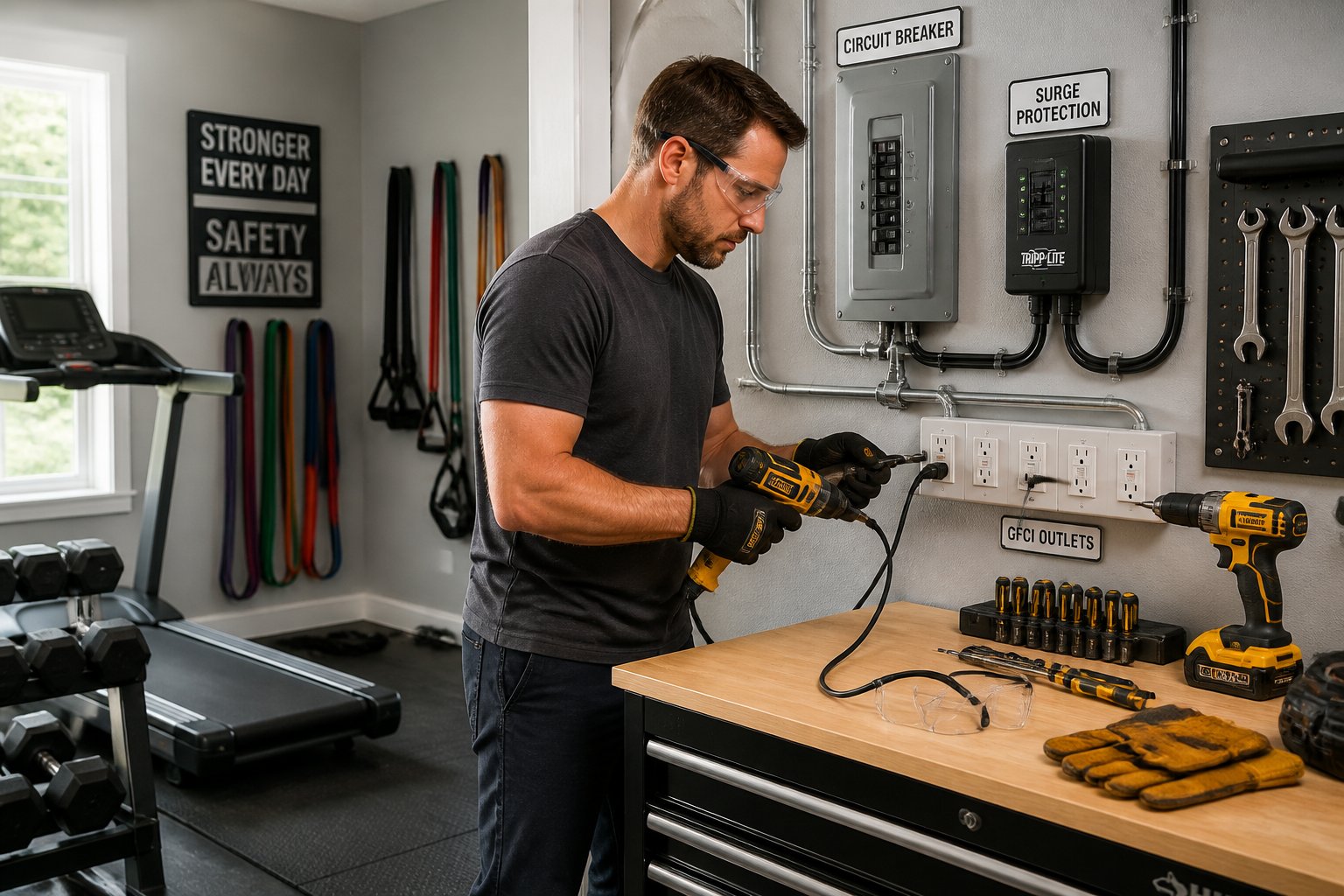
Point-of-use devices help, but whole-home protection adds another layer right at the source. This setup can cut down on damage from big electrical events before they ever reach your outlets.
How Whole-House Surge Protection Works
A whole-house surge protector gets installed to shield your entire electrical system. It diverts high voltage before it can hit branch circuits and your electronics, so you’re not just relying on power strips.
Why The Electrical Panel Is A Key Defense Point
The electrical panel is where power comes in and splits up through the house, so it’s a key spot for voltage protection. A properly sized unit can help protect a 15-amp circuit or 1875W load from nasty surprises when the utility power acts up.
When To Call A Licensed Electrician
You’ll want a licensed electrician for anything involving the breaker panel, grounding, or panel compatibility. If you’re in Sacramento, Folsom, Rocklin, Elk Grove, or nearby, AAA Electrical Services can help you sort out options and keep everything safe and up to code.
Prepare For Brownouts Outages And Backup Power
Storms don’t just knock out power—they can cause brownouts and voltage dips that are rough on sensitive gear. Backup plans help you stay safer and give your electronics a better shot at surviving unstable service.
Why Brownouts Can Harm Sensitive Electronics
Brownouts and voltage swings can make equipment act weird, overheat, or just fail when power drops too low. Computers, networking gear, and newer electronics with delicate internals take the brunt of it.
How UPS Systems And Battery Backup Help
UPS systems and battery backup devices keep things running long enough for you to save work and shut down cleanly. They’re especially useful for modems, routers, desktop computers, and anything you don’t want shutting off mid-task.
Generator And Voltage Regulation Considerations
A portable or standby generator can help during long outages, especially if you need 120v-240v support and different loads. Voltage regulators add another layer, smoothing out power when it comes back so your electronics aren’t hit with wild swings.
Avoid Common Safety Mistakes During Storm Season
The wrong setup can actually make things more dangerous, especially if cords and adapters pile up. Good habits cut the risk of electrical fires, hazards, and nuisance tripping from overloaded circuits.
Why Daisy-Chaining Creates Risk
Daisy-chaining power strips, surge protectors, or adapters ups the load and can defeat built-in safety features. This can overheat wiring, damage devices, and bump up the risk of electrical fires.
Overloading Circuits And Extension Cord Misuse
Extension cords aren’t meant to be permanent fixes, and they shouldn’t stand in for real outlets or circuit planning. Plugging too many devices into a strip—or stacking surge protectors—pushes things past safe limits and sets up electrical hazards.
Warning Signs Of Electrical Hazards After A Storm
Keep an eye out for warm outlets, buzzing noises, tripped circuit breakers, flickering lights, or scorched plugs after a storm. If your GFCI outlets keep tripping or electronics act up, stop using that circuit and get it checked before things get worse.
Frequently Asked Questions
What should I unplug first to protect my electronics when a storm is approaching?
Start with the devices that are expensive, sensitive, or just vital to your day—computers, routers, TVs, gaming systems, and external drives should be first.
Do surge protectors actually prevent damage from lightning or power surges?
Surge protectors help against everyday surges and smaller voltage spikes, and they’re a solid part of a layered plan. They won’t guarantee protection from a direct lightning strike, so unplugging is still your safest bet during storms.
Is it safe to keep using electronics during a thunderstorm, or should everything be turned off?
If the storm’s close, it’s safer to stop using sensitive electronics and unplug them if you can. Lightning can travel through power lines and other wiring, so just turning things off isn’t as safe as disconnecting them.
What’s the best way to protect a TV, modem, and router during a power outage or surge?
Unplug them before the storm if possible, and use a good surge protector or a UPS when you need to keep them on. A whole-home surge protector at the panel adds another line of defense for everything else.
How can I tell if a surge protector is still working or needs to be replaced?
Check the indicator light, and replace the unit if it’s out or if you see any damage. Always swap out surge protectors after a big surge or if they show heat damage, wear, or loose outlets.
Should electronics be unplugged from the wall only, or also from cable and Ethernet lines?
Unplugging from the wall matters, but honestly, pulling out cable, phone, and Ethernet lines too gives you better odds. Surges don't just travel through power outlets—they can sneak in on those other lines when storms mess with the grid or fry nearby wires. It's a hassle, sure, but if you want real peace of mind, unplug everything you can.